
Is your KitchenAid dishwasher showing the E1 F9 error code? If so, you’re not alone—and you don’t have to feel stuck.
This error can be confusing and might stop your dishwasher from working properly. But don’t worry, you’re about to discover simple steps to fix it and get your dishwasher running smoothly again. Keep reading to understand what causes the E1 F9 code and how you can solve it quickly, saving you time and stress.
Table of Contents

Common Causes Of E1 And F9 Errors
The KitchenAid dishwasher E1 and F9 error codes signal common issues that affect your machine’s performance. Understanding these errors helps you identify problems fast. This section explains the typical causes behind E1 and F9 errors.
Both errors often point to problems with water flow, drainage, or sensors. These parts need to work well for the dishwasher to run properly. Below are the main reasons these errors appear.
Water Supply Issues
Water supply problems often cause the E1 error code. The dishwasher needs enough water to clean dishes effectively. A blocked or kinked water hose can stop water from entering the machine. Sometimes, the water inlet valve is faulty and must be replaced. Low water pressure in your home can also trigger this error. Checking these parts helps restore proper water flow.
Drainage Problems
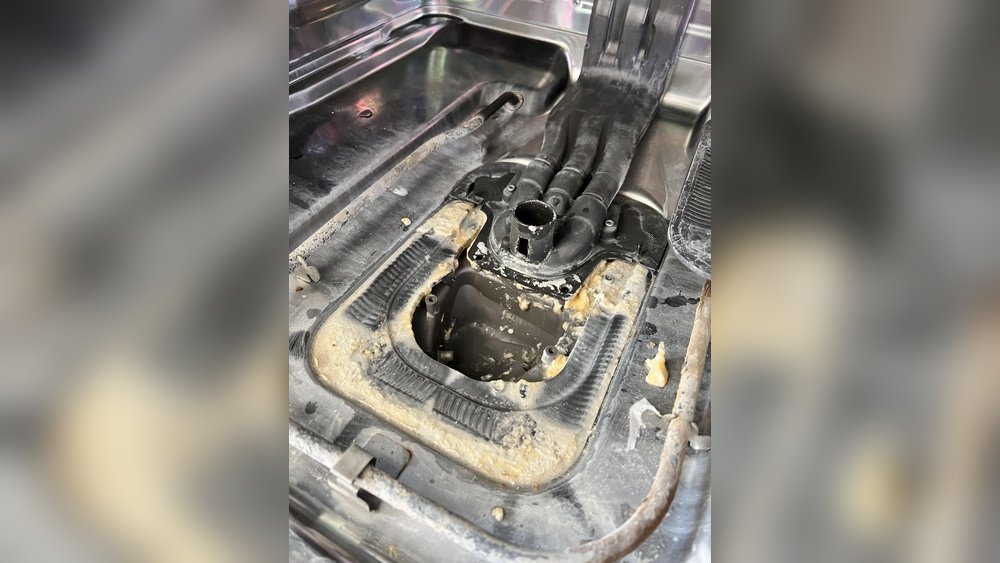
The F9 error usually means the dishwasher cannot drain water correctly. A clogged drain hose or filter can block water from leaving. Food debris or grease buildup often causes this blockage. The drain pump might be damaged or jammed, stopping water flow. Clearing the drain path and checking the pump can fix this issue.
Sensor Malfunctions
Sensors inside the dishwasher monitor water levels and temperature. If these sensors fail, the dishwasher may show E1 or F9 errors. Dirt or mineral deposits on sensors can affect their readings. Faulty sensors need cleaning or replacement. Proper sensor function is crucial for safe, efficient washing cycles.
Step-by-step Troubleshooting
Troubleshooting the KitchenAid dishwasher error E1 F9 can seem tough. This error often means there is a problem with water flow or drainage. Follow these simple steps to fix the issue safely and quickly.
Checking Water Inlet Valve
Start by checking the water inlet valve. It controls water entering the dishwasher. Make sure the valve is not blocked or damaged. Turn off the water supply first. Remove the valve and clean any dirt or debris. Check the valve for leaks or cracks. Replace the valve if it looks faulty. Reattach the valve firmly before turning the water back on.
Clearing Drain Blockages
Next, clear any blockages in the drain system. Remove the dishwasher’s bottom rack to access the drain area. Look for food particles or objects clogging the drain. Use a soft brush or cloth to clean the drain filter. Check the drain hose for kinks or bends. Straighten the hose to allow proper water flow. Run a short cycle to see if the drainage improves.
Resetting The Dishwasher
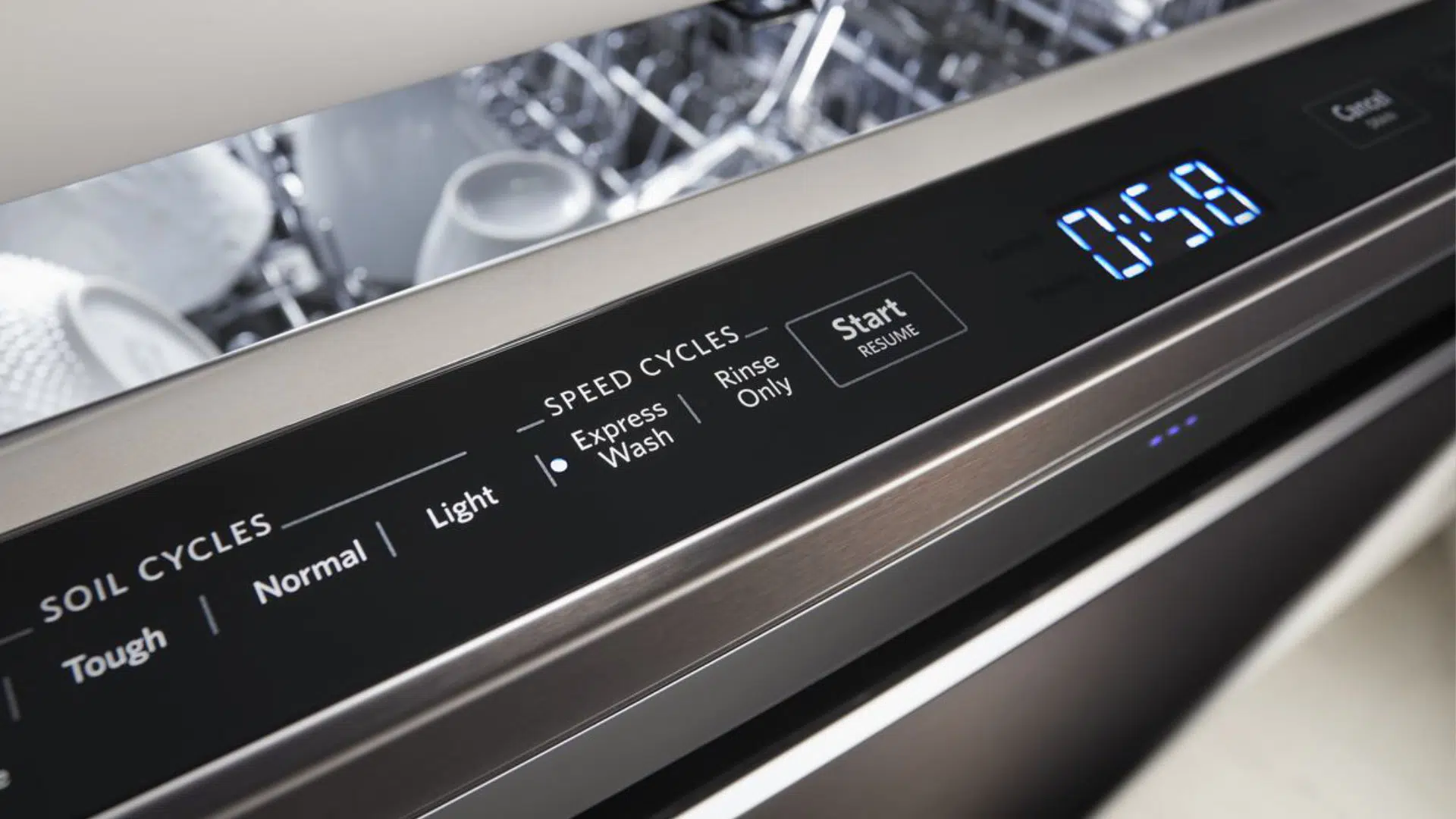
Resetting the dishwasher can clear minor errors. Press the cancel or reset button on the control panel. Wait for about five minutes. This allows the dishwasher to power down fully. Turn the dishwasher back on and start a new cycle. Watch for the error code to see if it returns. Resetting can fix small glitches and restore normal function.
Preventive Maintenance Tips
Preventive maintenance helps keep your KitchenAid dishwasher running smoothly. It stops small problems from turning into big repairs. Regular care saves money and extends the life of your appliance.
Regular Cleaning
Clean your dishwasher every week. Wipe the door edges and seals to remove dirt. Run an empty cycle with a dishwasher cleaner. This removes grease and bad smells. Clean the spray arms to keep water flowing well.
Inspecting Hoses And Filters
Check hoses for cracks or leaks often. Replace damaged hoses quickly to avoid water damage. Clean the filter at the bottom regularly. A clogged filter reduces washing power. Rinse it under water to clear food debris.
Scheduling Professional Servicing
Have a technician check your dishwasher yearly. Professionals find issues you might miss. They clean parts deeply and test functions. Regular service keeps your dishwasher efficient and safe.

FAQ: Kitchenaid Dishwasher E1 F9
What Does The Kitchenaid Dishwasher Error E1 F9 Mean?
The E1 F9 error shows a problem with the dishwasher’s water temperature sensor.
How Can I Fix The Kitchenaid Dishwasher Error E1 F9?
Try resetting the dishwasher or checking the temperature sensor for damage or loose wires.
Is It Safe To Keep Using The Dishwasher With Error E1 F9?
No, this error can cause poor washing or damage. Fix it before using the dishwasher again.
Conclusion
The Kitchenaid Dishwasher E1 F9 error can disrupt your routine. Fixing it quickly saves time and stress. Check the user manual for clear steps. Simple cleaning often resolves the issue. Regular maintenance helps avoid future errors. Don’t ignore warning signs to keep the dishwasher running well.
Stay calm and follow easy troubleshooting tips. Your dishwasher will work smoothly again soon.