
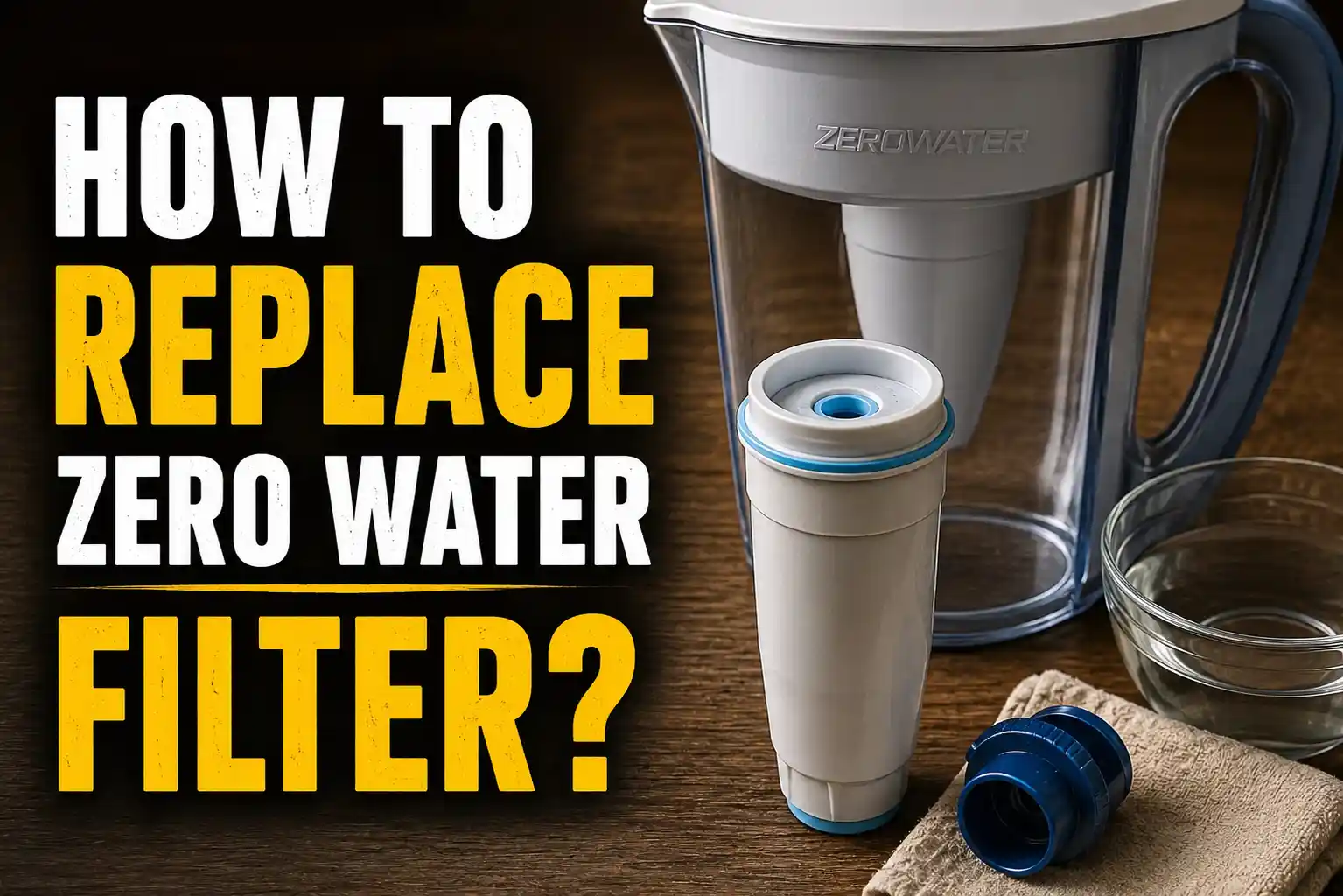
I still remember the morning my coffee tasted wrong. I filled the kettle with water from my ZeroWater pitcher, the same way I do every day. The coffee came out flat. A little metallic. Not bad enough to spit out, but bad enough to notice.
That small moment sent me down a rabbit hole. I ended up learning exactly how to replace a ZeroWater filter, why it matters, and what happens if you wait too long. I want to share what I found, the mistakes I made, and the simple steps that now take me less than five minutes.
At the time, I had owned my pitcher for almost a year. It sat on the top shelf of my fridge, quietly doing its job every day. I never once thought about the filter inside it the same way I think about changing a furnace filter or rotating tires. Water filters are easy to forget because they work quietly in the background, right up until the day they stop working well.
Table of Contents
Why I Finally Had to Change My ZeroWater Filter
My ZeroWater pitcher came with a small TDS meter. TDS stands for total dissolved solids. It is a fancy way of saying tiny bits of minerals, salts, and metals that sit in your water.
<<Get Amazon For This Product>>
For months I ignored the little meter sitting in my kitchen drawer. I trusted the pitcher to just work. Then that coffee incident happened, and I finally tested my water. The reading was way higher than it should have been. That number told me my filter was tired and needed to be swapped out.
The Clear Signs My Filter Needed Replacing
Once I started paying attention, the warning signs were easy to spot. I just had not been looking for them.
The TDS Meter Told Me First
ZeroWater filters are built to bring your water down to a reading of 000. Mine had crept up over time without me noticing. Once the meter reads 006 or higher, it means the filter can no longer pull out those dissolved solids the way it should.
My Water Started to Taste Off
Before I checked the meter, my nose and tongue had already picked up on the problem. The water had a faint sour taste, almost like a weak lemon. Some people describe an old filter as giving water a fishy smell. Mine leaned more sour, but either way, it was a clear signal.
The Water Poured Slower Than Usual
I also noticed my pitcher was taking forever to filter a full reservoir. What used to take a few minutes was now closer to fifteen. A clogged filter simply cannot push water through as fast as a fresh one.
Here is a quick table I put together after learning all this the hard way.
| Warning Sign | What It Means | What I Did |
| TDS meter reads 006 or higher | Filter can no longer remove dissolved solids | Replaced the filter that same day |
| Sour or fishy taste | Ion exchange resin has worn out | Tested with meter to confirm |
| Very slow flow rate | Filter media is clogged | Checked for air bubbles first, then replaced filter |
How Long a ZeroWater Filter Actually Lasts
This part surprised me. There is no single fixed number for how long a filter lasts. It depends on how much water your household drinks and how many dissolved solids are already in your tap water.
Most households in the USA get somewhere between two and four months out of a filter, or about twenty to forty gallons. My own filter lasted closer to three months, since my tap water is fairly hard. A friend of mine with softer well water squeezed almost four months out of hers.
I started keeping a small notebook by the fridge just to track this. Every time I changed a filter, I jotted down the date and the TDS reading on install day. After three filter changes, I noticed a pattern. My filters always seemed to drop faster during summer, likely because we were drinking more water and running the pitcher through more refills each week. Winter months stretched the same filter out by an extra two or three weeks.
| Household Water Quality | Typical Filter Life | My Personal Experience |
| Low TDS tap water | Longer lasting, closer to 40 gallons | Not my case, but a neighbor reported this |
| Average city tap water | Around 20 to 30 gallons | Matched my own results closely |
| Hard or well water | Shorter lifespan, more frequent changes | My cousin deals with this in her rural home |
How I Replace My ZeroWater Filter Step by Step
The actual swap turned out to be far easier than I expected. I was picturing tools and manuals, but honestly it took me about five minutes the first time and even less after that.
- I pour out any leftover water in the reservoir so the pitcher is light and easy to handle.
- I lift off the top reservoir from the main pitcher base.
- I turn the old filter counterclockwise until it unscrews completely.
- I unwrap the new filter and remove the protective cap on the bottom.
- I place the new filter into the reservoir and twist it clockwise until it feels snug.
- I set the reservoir back on top of the pitcher and fill it with tap water.
- I let the water filter through fully before drinking any of it.
- I test the filtered water with my TDS meter to confirm it reads 000.
That last step matters more than people think. If the meter does not read 000 right away, the filter may not be seated correctly, or there could be a trapped air bubble.
Mistakes I Made So You Do Not Have To
My first filter change was not perfect. I want to be honest about that instead of pretending it went flawlessly.
I forgot to check the seal the first time, and my meter kept reading a strange number instead of 000. It turned out the filter was slightly cross threaded, so the gasket was not fully seated. A simple twist to reseat it fixed the whole problem.
I also made the mistake of assuming my new filter had an air bubble when the water flowed slowly on day one. I tapped the filter gently on the counter, which is the usual fix, but in my case the real issue was just that new filters run a touch slower for the first pitcher or two. Patience solved it.
Another mistake I made was pouring the very first batch of filtered water straight into a glass and drinking it right away. New filters are rinsed with purified water at the factory, so there can be a bit of condensation or fine carbon dust in that first pitcher. Now I let the first full reservoir run through and pour it away before I trust the water for drinking.
I also once forgot my meter’s batteries were low, and it kept flashing a strange reading that made me think my brand new filter was already bad. Swapping in fresh batteries fixed it in seconds. Little lessons like these add up, and now my filter changes go smoothly every single time.
Simple Tips That Make Filter Changes Easier
A few small habits have made this whole process painless for me now. I keep a spare filter in the cupboard so I am never caught off guard. I also test my water every couple of weeks instead of waiting for a taste change, since catching a rising TDS number early means I never drink water that has gone past its prime.
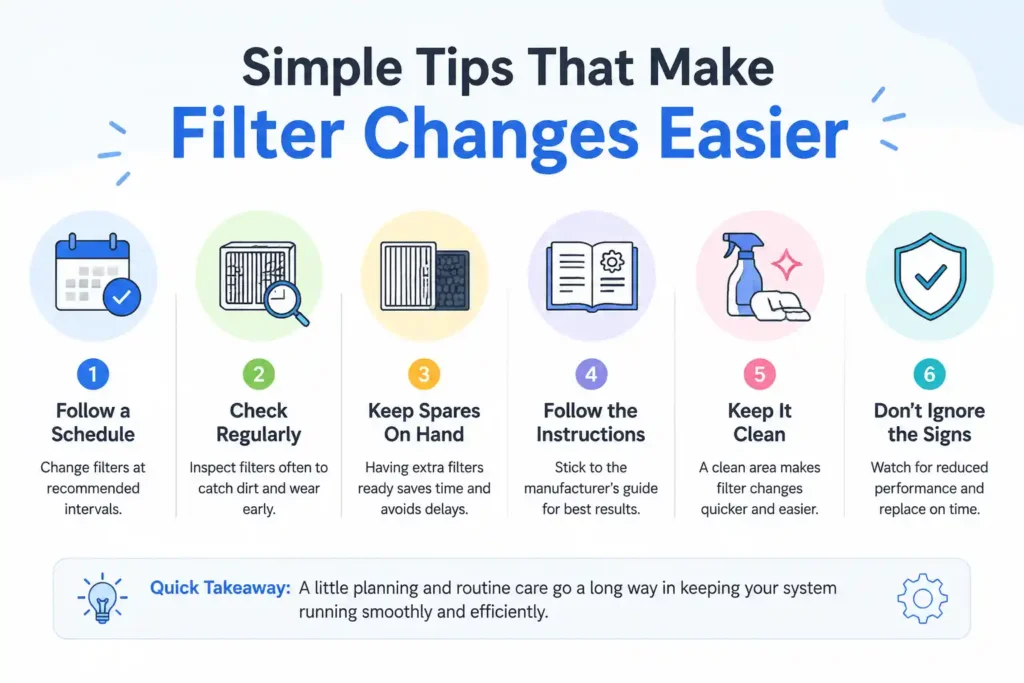
I write the install date on the new filter with a marker before I even put it in the pitcher. That tiny habit means I am never guessing how old my current filter is. It also helps me notice patterns, like how my filter lasts a bit longer in cooler months when we use less water for iced drinks.
Buying filters in a multi pack also saves me a trip to the store every few weeks. I usually order a pack of four at once, since replacement cartridges commonly come in packs ranging from two up to sixteen. Keeping a backup in the cupboard means I can swap the filter the moment my meter hits 006, instead of drinking questionable water for a few extra days while I wait for a delivery.
My Honest Take After Replacing Several Filters
I will not pretend this system is perfect. Filters do cost money over time, and forgetting to reorder them is an easy trap to fall into. But once I understood the signs and the simple swap process, keeping my water clean stopped feeling like a chore.
The five stage ion exchange filtration inside these cartridges genuinely earns its reputation. My water tastes clean again, my coffee tastes right, and I trust the numbers on my TDS meter instead of just hoping for the best.
FAQ
How often should I replace my ZeroWater filter?
Most people replace their filter every two to four months, or once the TDS meter reads 006 or higher. Your exact timing depends on your household water use and local tap water quality.
Can I clean a ZeroWater filter instead of replacing it?
No, the filter cartridge itself cannot be cleaned or reused. You can wash the pitcher and reservoir with warm soapy water, but the filter needs a full swap once it is worn out.
Why does my new ZeroWater filter fill slowly?
A slow first fill is usually just a trapped air bubble. Gently tap the filter on a hard surface, and it should clear up within a pitcher or two.
What does it mean if my TDS meter does not read 000 after a filter change?
This usually points to a loose seal or a filter that is not fully screwed in. Check that the gasket sits flush and that the filter is threaded in straight, not crossed.
Is it safe to keep using a ZeroWater filter past its expiration point?
It is not recommended. An exhausted filter can let dissolved solids back into your water and may even affect the water’s pH slightly. Replacing it on time keeps your water tasting clean and safe.